No account. No tracking. No cloud lock-in.

Train hard. Keep your data on your device.

PearLift is a privacy-focused workout tracker built for fast lifting sessions, resilient Android rest timers, and user-controlled local backups. It stays out of your way and keeps your workout history under your control.

Local-first Workout data stays on your device instead of behind an account.
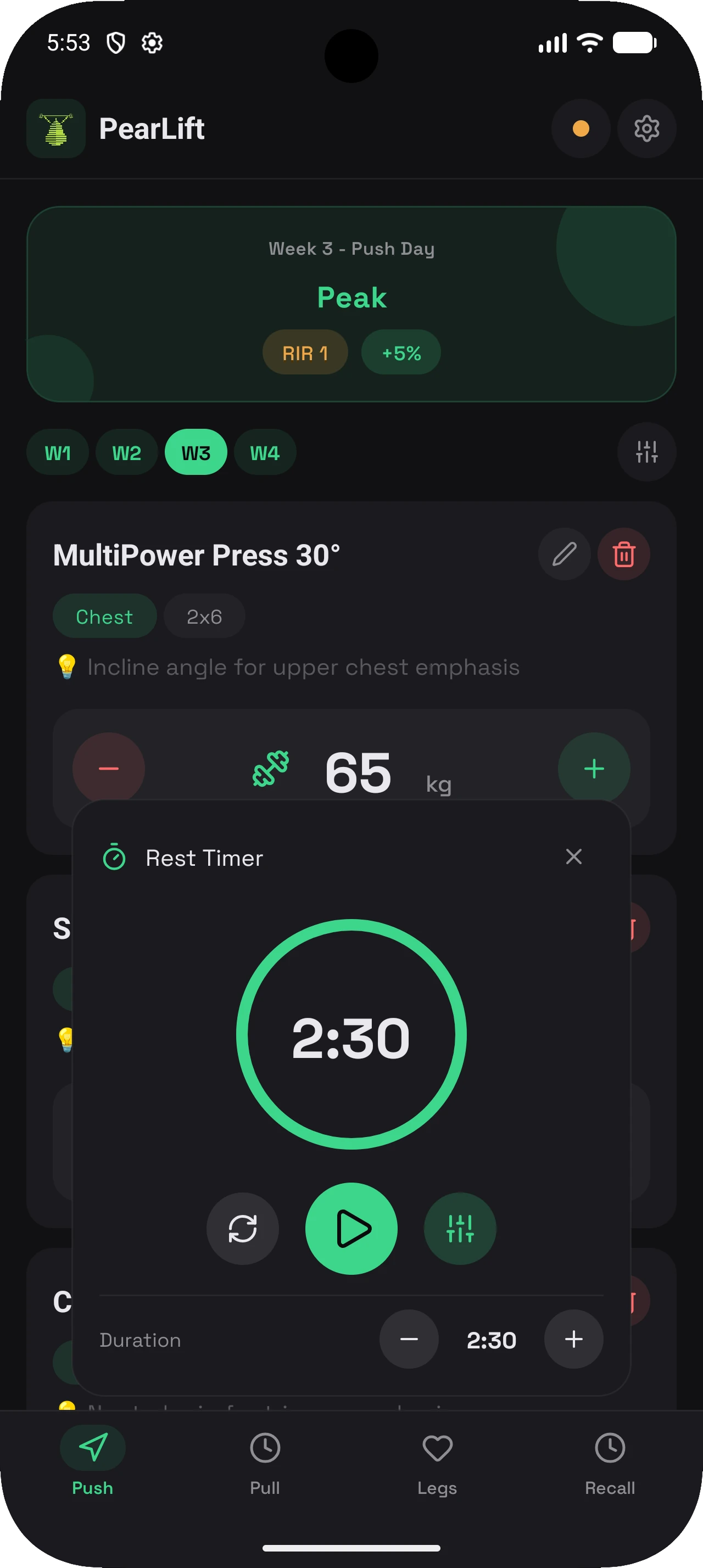
Rest timer Android background timing continues with a local foreground service.
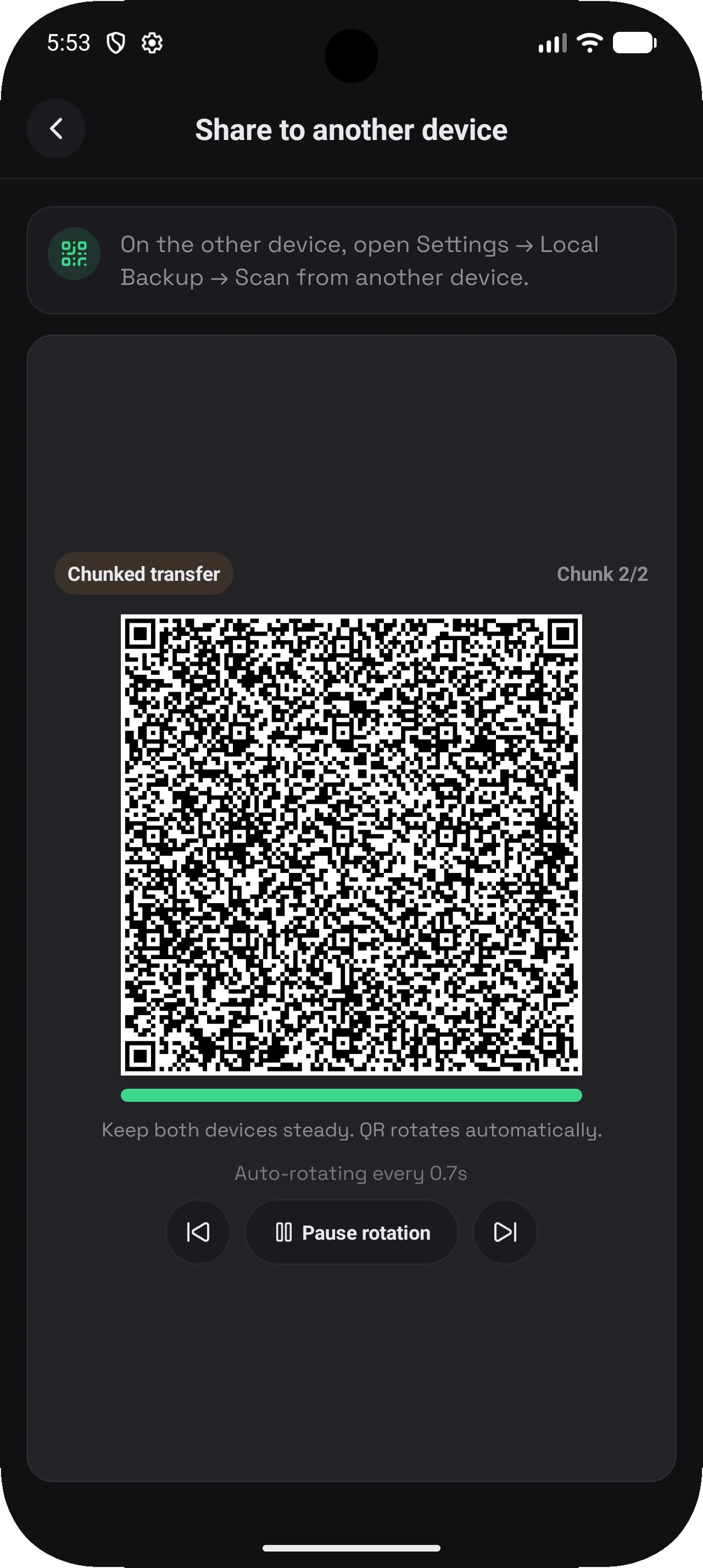
Backups Export JSON backups or transfer between devices with QR sharing.
App preview

A closer look at the flow

The app is built to keep planning, training, and backup actions close together without turning the interface into a settings maze.

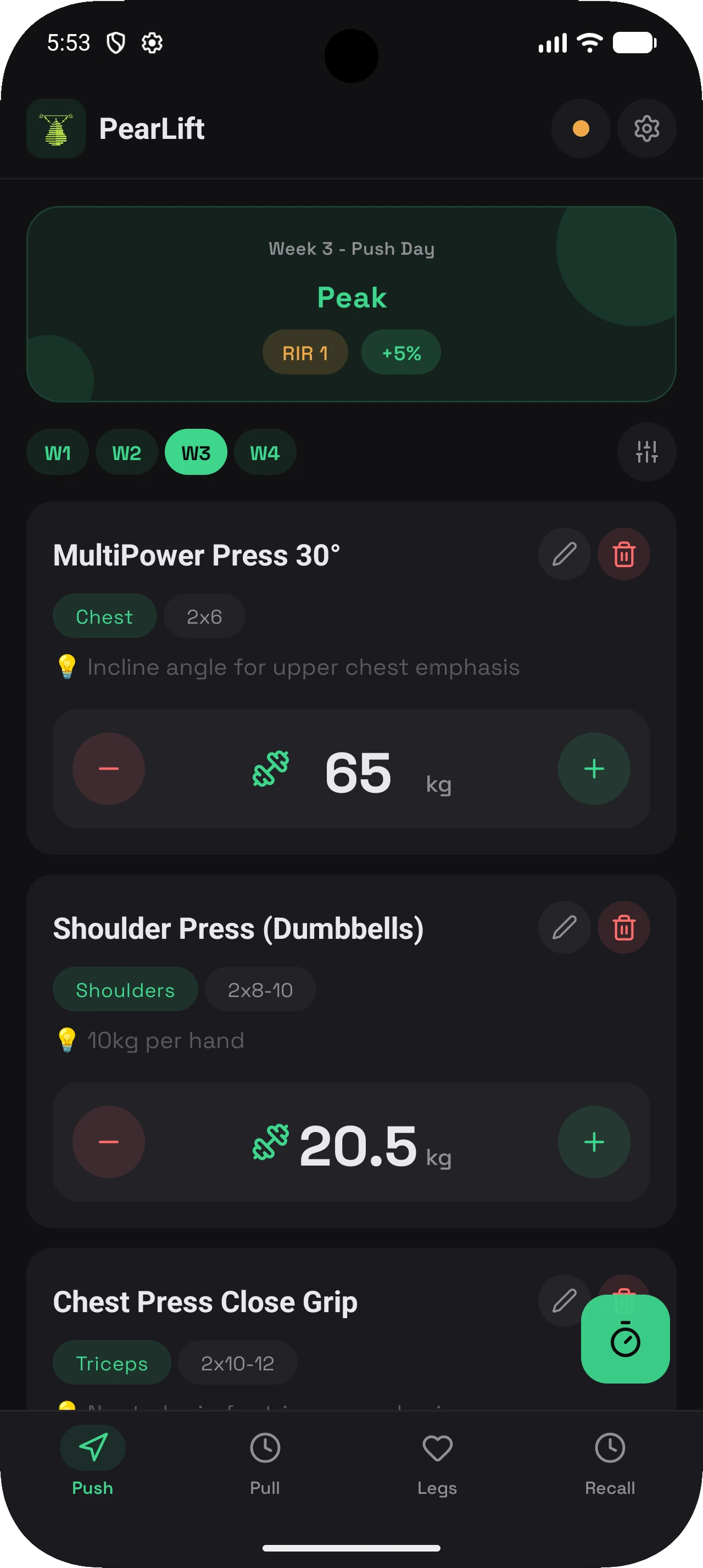
PearLift program screen with workout structure and session organization
PearLift workout session screen with exercise tracking
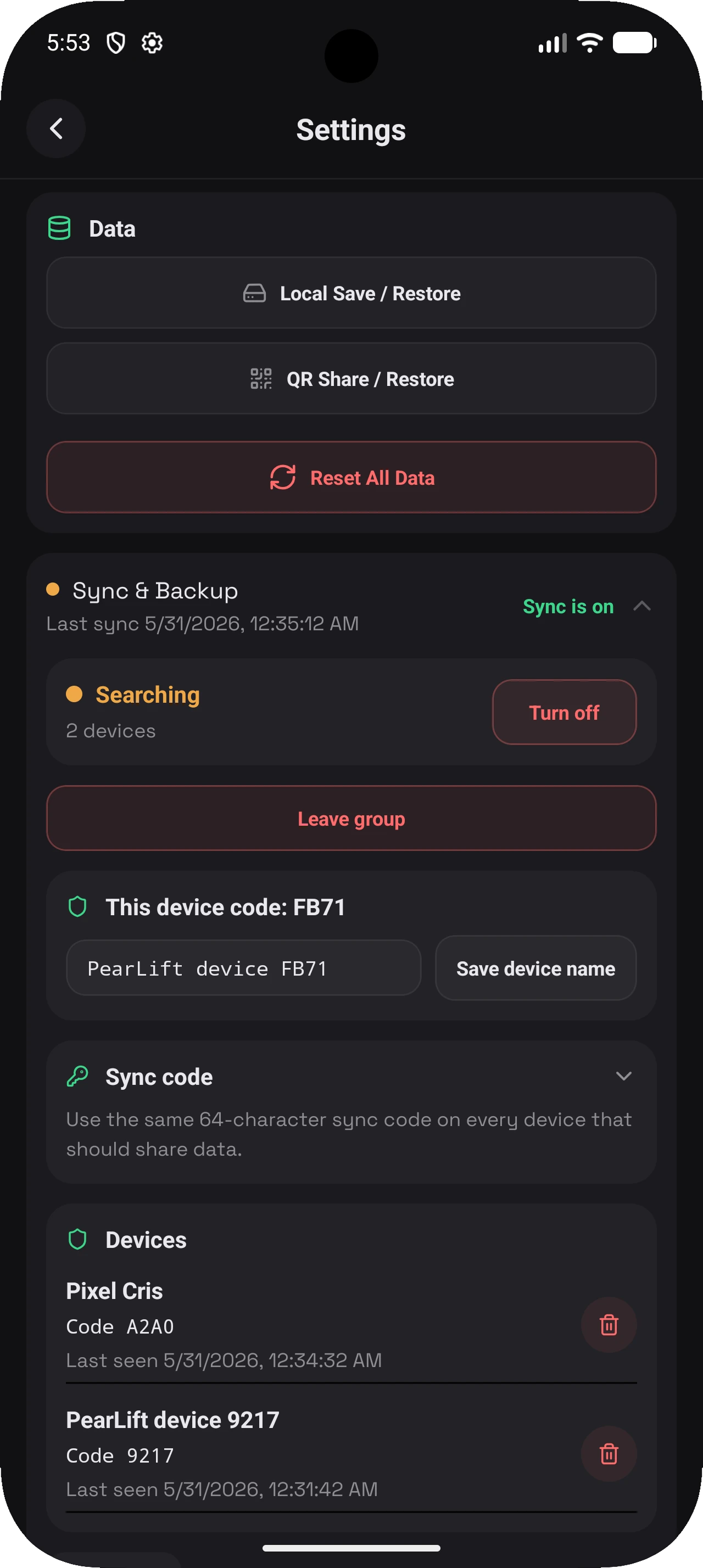
PearLift settings and backup area showing privacy-focused controls
Core workflow

Built for lifting, not account funnels

PearLift focuses on the actual training loop: set logging, progressive overload, rest timing, and backups you can export.

Program-driven sessions

Organize multi-day plans, reorder exercises, and keep the next training block close to the workout itself.

Progressive overload tracking

Track weights, reps, and unit preferences while keeping adjustment logic inside the app instead of in a spreadsheet.

Resilient rest timers

On Android, PearLift uses a local foreground service so your rest timer survives backgrounding and still completes on time.

Privacy stance

What PearLift does not do matters

PearLift is designed around local storage and explicit user actions. It avoids the usual mobile app surveillance stack.

Data stays local by default

Workout programs, settings, and history are stored locally on your device. PearLift does not require you to create an account.

  • No cloud account is required to use the app.
  • No ad SDK is bundled.
  • No analytics or tracking SDK is bundled.

Permissions stay tied to app behavior

The app only asks for permissions that support visible features such as QR scanning, notifications, and Android background timers.

  • Camera for backup QR scanning
  • Notifications for timer completion and foreground timer status
  • Foreground service and wake lock for Android timer reliability
Backup flow

Your export path stays in your hands

PearLift treats backups as an explicit user-controlled action instead of an always-on sync pipeline.

Local backup export and restore

Export your workout data to a JSON backup file or restore from an existing backup when you choose to.

Device-to-device QR transfer

Share backups between devices with QR transfer. The flow is initiated by the user on both ends and is meant for explicit transfer, not hidden background syncing.